 FDM bedslinger~$219
Bambu Lab · released 2023
Bambu Lab A1 mini
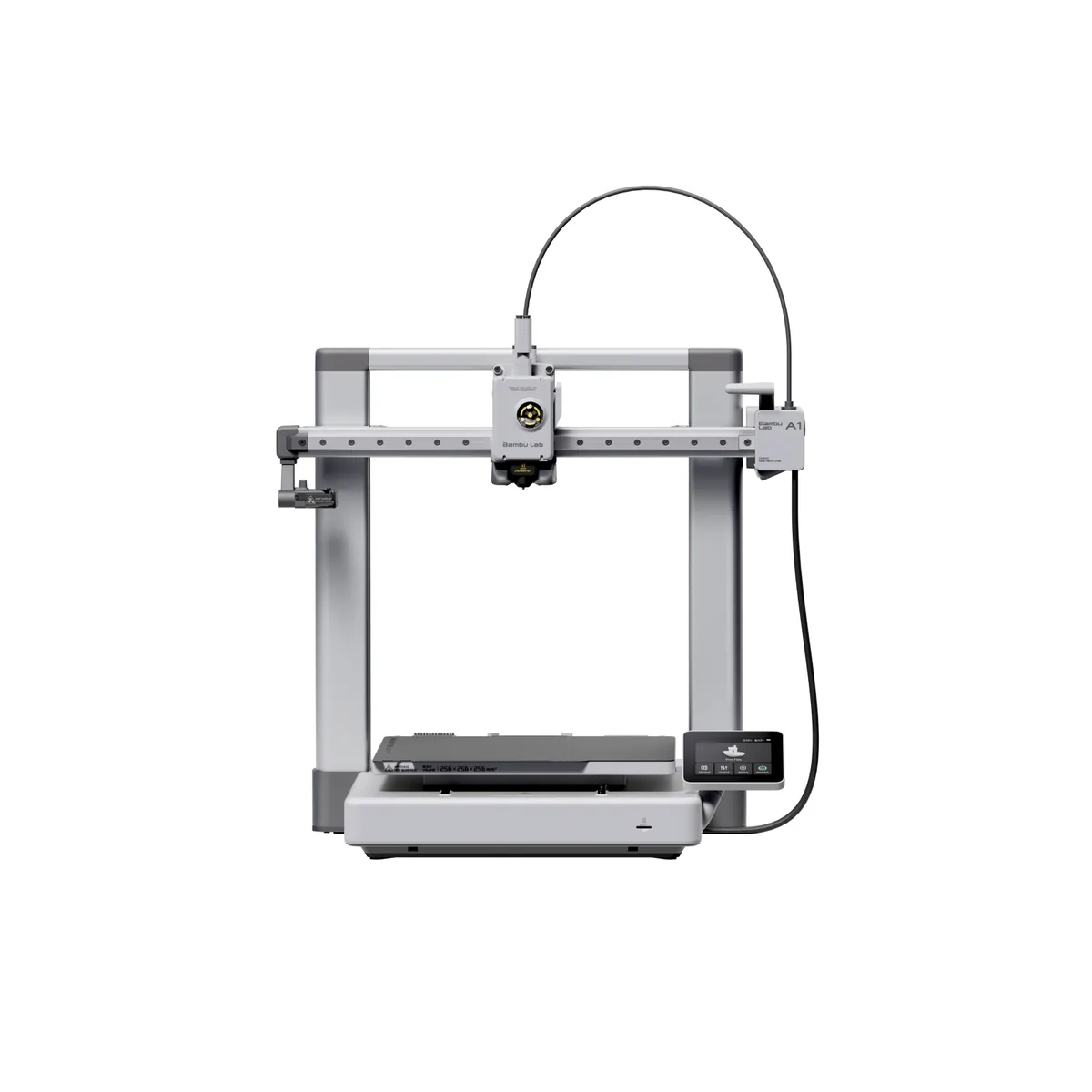
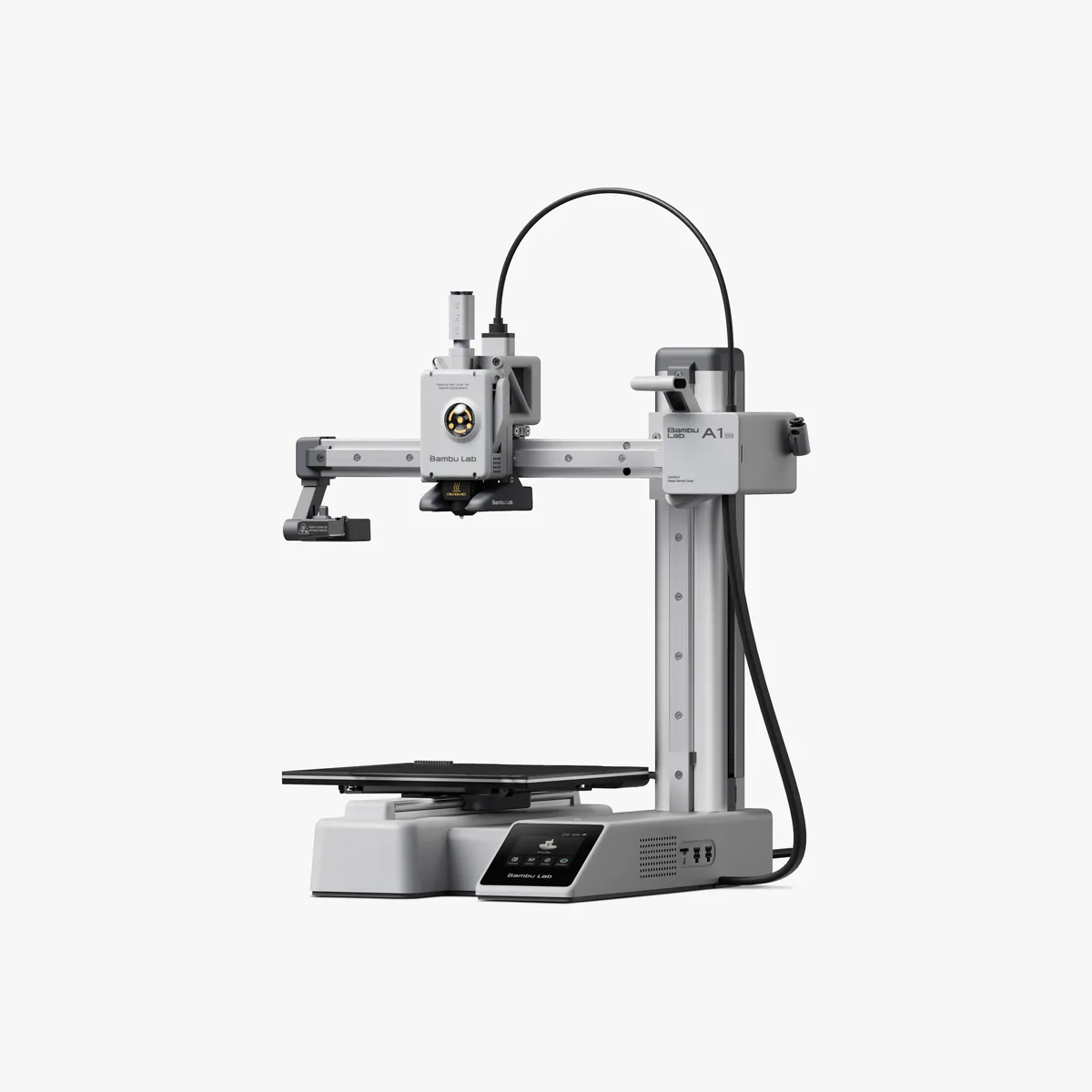
Smallest of the Bambu machines, and the one most often bought as a first printer: a 180 mm cube on a cantilever arm, shipped calibrated, with a bed that finds its own height through a strain gauge in the toolhead rather than a probe hanging off the side. The 80 °C bed ceiling is the real boundary — it is a PLA and PETG machine, and ABS or ASA on an open frame this small is not worth attempting. Where it gets interesting is the AMS lite, the four-spool rack that sits beside rather than on top of the printer; the mini is the cheapest way into four-colour printing that does not involve manual swaps. Colour changes cost filament in purge, which on a 180 mm bed is a meaningful fraction of a print. Bambu publishes a 500 mm/s headline and no volumetric flow figure at all, so the honest way to read that number is as a gantry capability rather than a throughput promise.
- Approx. price
- ~$219
- Build volume
- 5.8 L
- Per litre
- $38
- True multi-material price
- ~$339
Real speed ceiling
Not published
Bambu Lab does not publish a volumetric flow rate for the A1 mini, so its 500 mm/s claim cannot be checked against what the hotend can actually melt. We do not estimate one.
Best forA first printer for someone who wants colour prints without learning to tune a machine first.
Specifications
- Build volume
- 180 × 180 × 180 mm
- Volume
- 5.8 L
- Motion
- bedslinger
- Max speed
- 500 mm/s
- Acceleration
- 10,000 mm/s²
- Max flow
- Not published
- Hotend max temp
- 300 °C
- Bed max temp
- 80 °C
- Enclosure
- Open frame
- Extruder
- direct drive
- Auto level
- strain-gauge
Materials, control and build
- Multi-material
- AMS lite, 4 slots
- True multi-material price
- ~$339 (+~$120)
- Firmware
- Bambu
- Cloud
- Optional
- Camera
- Yes
- Assembly
- Pre-assembled
- Noise
- 48 dB
- Weight
- 4.4 kg
- Footprint
- 347 × 315 × 365 mm
Features
- 180 mm cube build volume on a single-arm cantilever frame
- Strain-gauge bed levelling with no manual Z offset
- AMS lite four-spool changer sold separately
- Full-colour touchscreen, Wi-Fi and a monitoring camera
What it does well
- Genuinely works out of the box; the strain-gauge levelling removes the single most common beginner failure
- AMS lite brings four-colour printing to the cheapest printer in the range
- Quiet enough at around 48 dB in silent mode to live in a room you sit in
- LAN-only mode exists, so the printer keeps working without a Bambu account
Where it gives ground
- 80 °C bed and an open frame rule out ABS, ASA and polycarbonate entirely
- 180 mm cube fills up fast; helmets, brackets and most functional parts need slicing into pieces
- Four-colour prints burn a large purge block relative to a bed this small
- Stock nozzle is not hardened, so carbon-fibre or glow-in-the-dark filament chews it
- No headline volumetric flow figure is published, so the 500 mm/s claim cannot be checked against the hotend
The points above are read off published specifications, not from owner reports.
What owners report
Drawn from owner discussions in 3D-printing communities, not from our own testing — this site has no test lab.
What owners like
- The recurring story from people arriving off an Ender-class machine is that calibration stopped being a hobby of its own — several describe having spent more time levelling and tuning than printing before switching
- Frequently discounted to around $199, which owners treat as the point where it becomes an easy second printer to run small one-off jobs alongside a bigger machine
- The AMS lite is valued as much for keeping spools loaded and dry as for colour changes, which is not how it is marketed
- Owners printing miniatures report good results with the 0.2 mm nozzle, and it comes up often as a cheap way to get fine detail without moving to resin
- Later firmware added detection for printing into thin air, a missing build plate and a clogged nozzle, and owners report these catching failures that used to waste a whole spool
Common complaints
- Stringing is the single most-reported print-quality complaint, and several owners describe failing to tune it out with retraction tuning alone
- TPU and other flexibles give people trouble on this machine more often than on the larger A1
- The 180 mm bed is the limit people hit fastest — a common pattern is buying the mini and then buying a second, larger printer within months
- Being a bed-slinger, owners specifically ask whether Y-axis quality suffers on tall prints, and the answer from those who own both it and a CoreXY machine is that it does
- No enclosure, so owners wanting to print ABS or to vent fumes end up replacing rather than upgrading it
The A1 mini occupies a specific place in owner discussions: it is the machine people recommend when someone is about to give up on a cheap kit printer. The most repeated sentiment is relief — that it arrives calibrated, that the first layer works, and that the time previously spent on bed levelling goes back into actually printing.
The complaints are consistent and mostly about limits rather than defects. Stringing comes up more than anything else, and unusually it is one that owners report struggling to fully resolve through retraction settings. Flexible filament is harder here than on larger machines. The 180 mm cube fills up quickly, and a common trajectory is that the mini becomes a second printer rather than the only one within a few months.
It suits someone who wants to find out whether the hobby suits them without spending much, or who wants a small dedicated machine for one-colour parts and occasional four-colour work. Anyone certain they want to print ABS, or print anything larger than a mug, is better served spending more once than twice.
Questions owners ask
+Is the A1 mini good enough for miniatures?
Owners printing at miniature scale report good results when they fit the 0.2 mm nozzle rather than the stock 0.4 mm. It will not match a resin printer — a resin machine's pixel is measured in microns against a nozzle measured in hundreds of microns — but for tabletop pieces that will be handled and painted, people who own both describe it as adequate.
+Why does my A1 mini string so much?
Stringing is the most frequently raised issue with this printer. The usual first answers are drying the filament and lowering the nozzle temperature, but several owners report running full retraction towers without eliminating fine wisps, particularly along seams. It is worth setting expectations that some light stringing may remain and clean up easily rather than chasing it indefinitely.
+Do I need the AMS lite?
Owners who bought it describe using it as much for convenience as for colour — it keeps four spools loaded and reduces the manual swap. The cost is purge waste on colour changes, which on a 180 mm bed is a significant fraction of the plate. If you mostly print single-colour functional parts, several owners suggest buying the printer alone first.
+Can it print ABS or ASA?
Not practically. The bed tops out at 80 °C and there is no enclosure, so parts warp and lift. Owners who decide they want those materials generally buy a second, enclosed machine rather than trying to modify this one.
+Will I outgrow the 180 mm build volume?
Quite possibly. A recurring pattern in owner discussions is buying the mini, enjoying it, and adding a larger printer within a few months rather than replacing it. If you already know you want to print helmets, large brackets or props, starting with the larger A1 avoids that step.