 FDM bedslinger~$229
Elegoo · released 2023
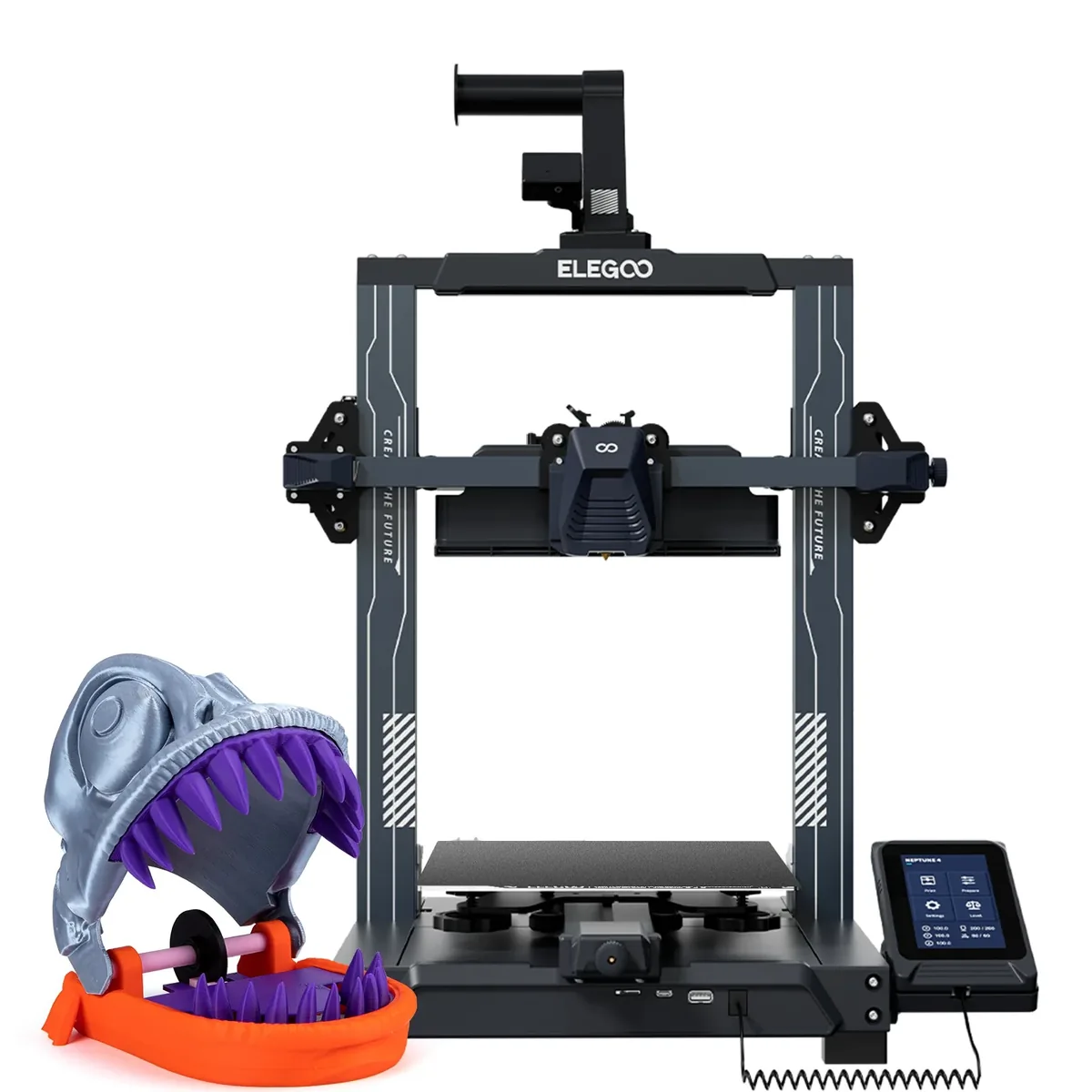
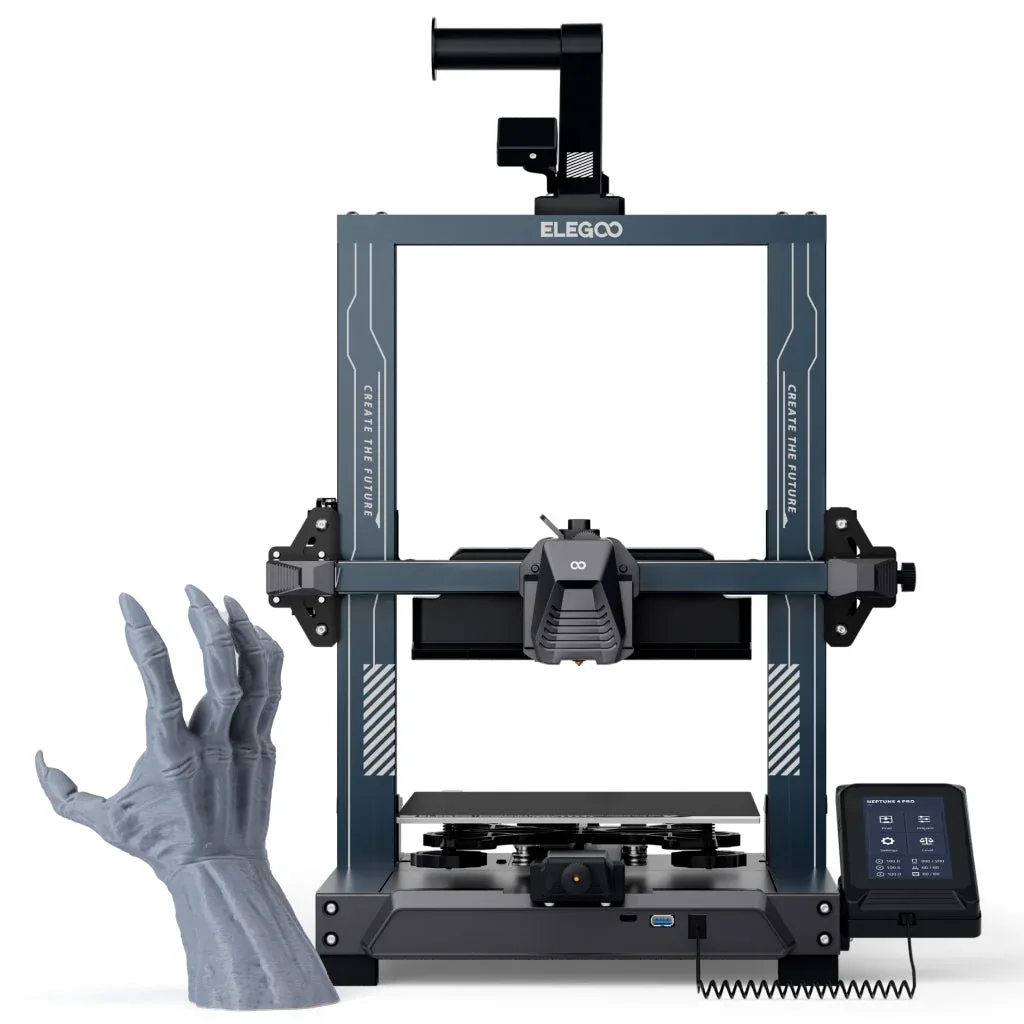
Elegoo Neptune 4 Pro
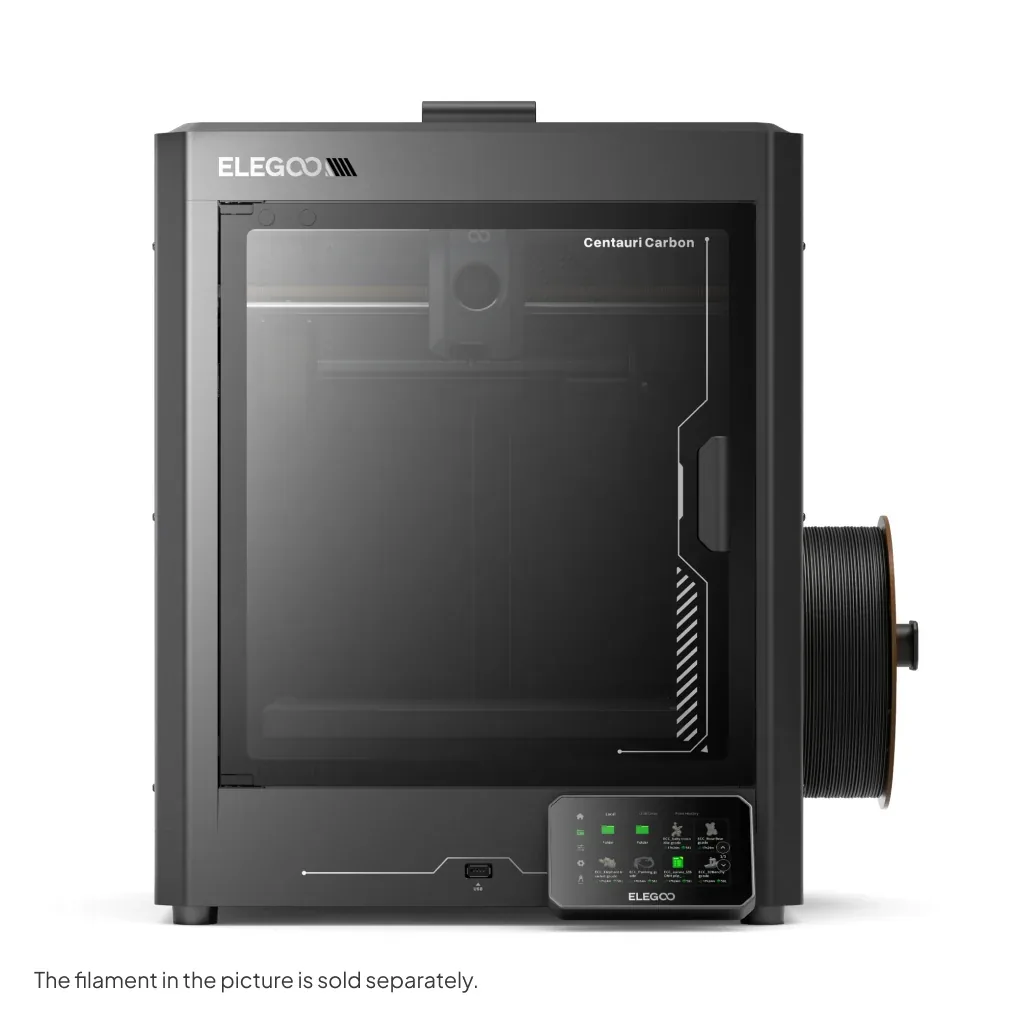
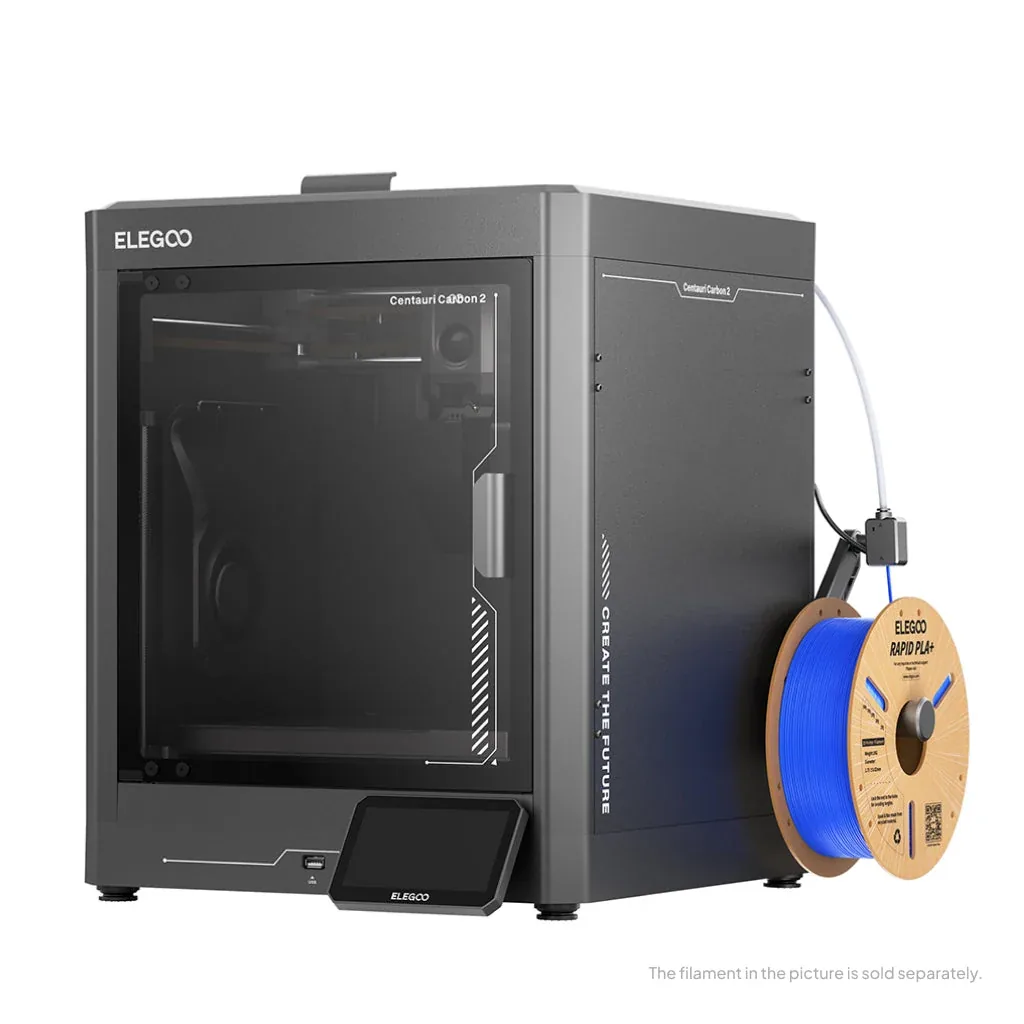
Ten dollars over the standard Neptune 4 buys linear rails on all three axes and a revised dual-gear direct-drive extruder, which makes this the one to buy of the pair — the rails are the difference between a frame that holds alignment and one that drifts as the belts age. Build volume, bed temperature, hotend and Klipper firmware are all identical to the base model. Elegoo also fits a filament runout sensor and a slightly better cooling duct. The whole Neptune 4 family now sits awkwardly inside Elegoo's catalogue, because the Centauri Carbon 2 is an enclosed CoreXY machine with a 350 °C hotend for $120 more, and that is a bigger jump than anything separating the Neptune variants from each other. Buy this one if the budget genuinely stops at $229.
- Approx. price
- ~$229
- Build volume
- 13.4 L
- Per litre
- $17
- True multi-material price
- No changer offered
Real speed ceiling
Not published
Elegoo does not publish a volumetric flow rate for the Neptune 4 Pro, so its 500 mm/s claim cannot be checked against what the hotend can actually melt. We do not estimate one.
Best forThe best mechanical build available under $250, if an enclosure is not needed.
Specifications
- Build volume
- 225 × 225 × 265 mm
- Volume
- 13.4 L
- Motion
- bedslinger
- Max speed
- 500 mm/s
- Acceleration
- 8,000 mm/s²
- Max flow
- Not published
- Hotend max temp
- 300 °C
- Bed max temp
- 110 °C
- Enclosure
- Open frame
- Extruder
- direct drive
- Auto level
- probe
Materials, control and build
- Multi-material
- None offered
- Firmware
- Klipper
- Cloud
- Optional
- Camera
- No
- Assembly
- Partly assembled
- Weight
- 9.5 kg
- Footprint
- 475 × 445 × 515 mm
Features
- Linear rails on X, Y and Z
- Dual-gear direct-drive extruder
- Klipper with input shaping, 121-point levelling
- 110 °C bed and 300 °C hotend
- Filament runout detection
What it does well
- Linear rails on all three axes at $229 is unusual — most rivals put rails on X only, if at all
- Only $10 more than the base Neptune 4 for a materially better frame
- Klipper, input shaping and a 110 °C bed carried over intact
- Dual-gear extruder grips flexible filament better than the base model's
Where it gives ground
- Elegoo's own Centauri Carbon 2 is enclosed, CoreXY and 350 °C for $120 more
- Still needs partial assembly
- No enclosure, camera, hardened nozzle or multi-material path
- No published flow rate
The points above are read off published specifications, not from owner reports.
What owners report
Drawn from owner discussions in 3D-printing communities, not from our own testing — this site has no test lab.
What owners like
- Linear rails on all three axes at this price is genuinely unusual, and owners who get it dialled in report good output
- Klipper underneath means a real community firmware project exists for the platform, with owners running an open replacement build
- Cheap enough that owners treat it as a low-risk way into the hobby
- Documented well enough by the community that calibration guides for it specifically are easy to find
Common complaints
- The dominant owner complaint is calibration that never ends — repeated reports of running calibration prints that themselves fail, to the point of returning the machine
- First-layer problems are repeatable rather than intermittent for some owners, which points at the bed rather than at technique
- Prints detaching mid-job appear in owner reports as a routine rather than exceptional failure
- Owners who replaced a failed mainboard describe being unable to get back to acceptable print quality afterwards even after full recalibration
- A common resolution in these threads is the owner switching to a Bambu A1, which is a blunt verdict on the ownership experience
The Neptune 4 Pro has good hardware on paper — linear rails on all three axes and genuine Klipper at a price where neither is normal — and owner discussions about it are dominated by one theme that overrides all of that: calibration that does not converge. The specific, repeated pattern is owners running calibration prints that themselves fail, dialling in settings that do not hold, and reaching the point of returning the printer.
First-layer problems come up as repeatable rather than random, which points at bed flatness rather than at technique. Prints letting go mid-job are reported as routine by some owners. And a particularly discouraging thread involves owners who replaced a failed mainboard and then could not recover acceptable print quality even after methodically recalibrating rotation distance, PID, temperature and flow.
The outcome these threads keep reaching is the owner replacing it with a Bambu A1. That is not a universal experience — owners who get the machine dialled in do report good results, and a community firmware project exists for people who want to go deeper — but it is the most common trajectory, and it is worth knowing before buying rather than after.
Questions owners ask
+Why can't I get my Neptune 4 Pro calibrated?
This is the single most common complaint about the printer, and owners report calibration prints failing before they can be measured. The things worth checking first are bed flatness — first-layer problems on this machine are often repeatable in the same spot, which points at the bed rather than settings — and belt tension. Community guides for this specific model are detailed and worth following rather than improvising.
+Is there better firmware available?
Yes. Because the printer runs Klipper, an independent community firmware project exists for the Neptune 4 family and owners do install it, gaining a proper Klipper interface and full configuration access. Owners do also report pressure-advance and flow difficulties after switching, so it is not automatically a fix for print-quality problems.
+Neptune 4 Pro or a Bambu A1?
Owners who have asked this — including several who owned the Neptune first — overwhelmingly end up recommending the A1, on the grounds that it needs no calibration to produce good prints. The Neptune's counter-argument is price and openness. If you want to tune a machine, it is a reasonable platform; if you want to print, the comparison is not close.
+What happens if the mainboard fails?
Replacement boards are available and inexpensive, but owners who have done the swap report struggling to return to their previous print quality afterwards despite methodically recalibrating everything. Worth knowing that the repair is not necessarily a clean restoration.