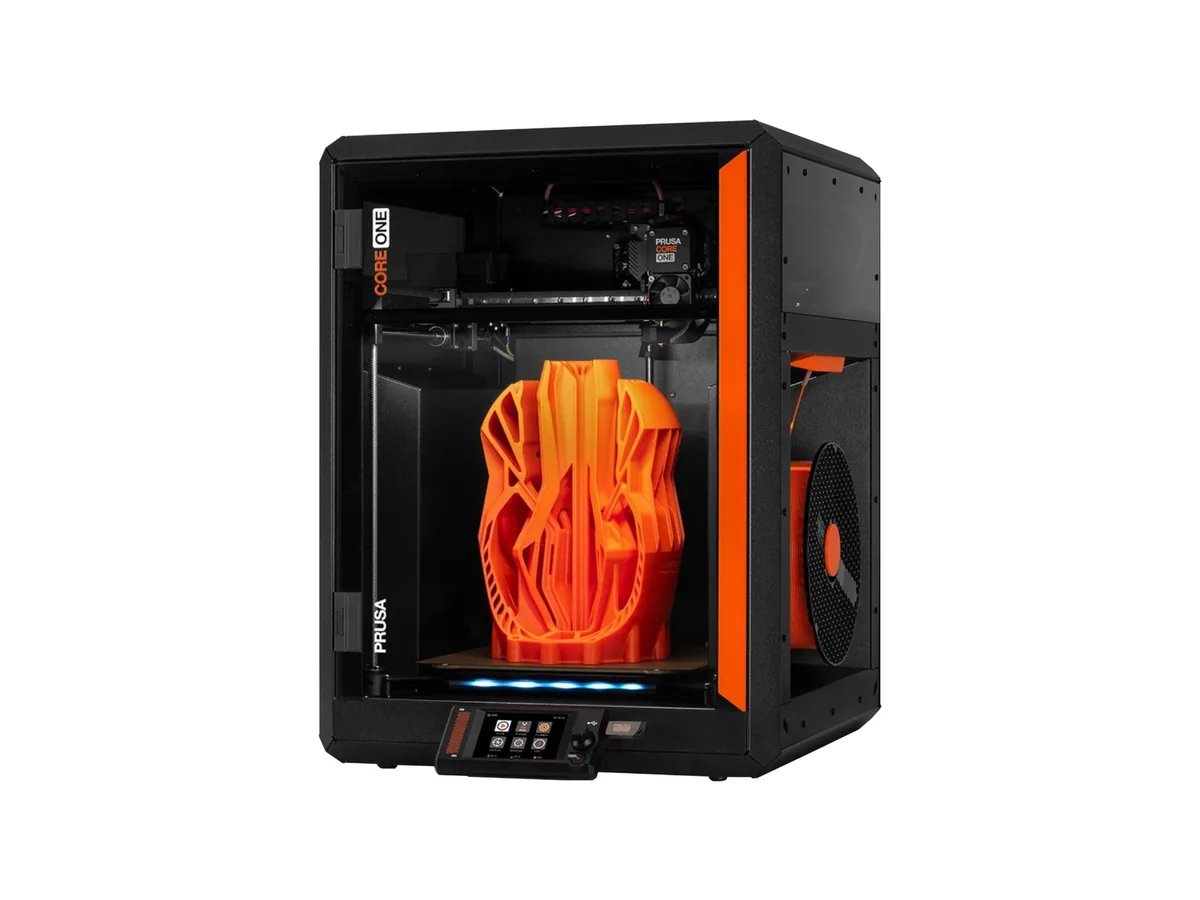
Prusa · released 2024
Original Prusa MK4S
Prusa's answer to the fast-printer era keeps the bed-slinger layout and fixes the throughput problem at the nozzle instead of the gantry. The Nextruder's loadcell measures the nozzle touching the bed directly, which removes the probe-offset guesswork that every inductive-probe printer inherits, and the high-flow nozzle it ships with is rated at 24 mm³/s — a figure Prusa is unusual in publishing at all. Run the arithmetic and 24 mm³/s at a 0.4 mm nozzle and 0.2 mm layer is about 300 mm/s of actual line speed, which is the honest version of the 500 mm/s headline and still quick. Against a $399 Bambu P1S it is expensive for its size and has no enclosure, no camera and no hardened nozzle as standard. What it has is repairability, open firmware, five-filament MMU3 support, and a company that will still sell you an extruder gear in 2032.
- Approx. price
- ~$999
- Build volume
- 11.6 L
- Per litre
- $86
- True multi-material price
- ~$1,298
Real speed ceiling
300 mm/s
24 mm³/s ÷ (0.4 mm × 0.2 mm) = 300 mm/s. The MK4S is advertised at 500 mm/s, so the hotend can feed 60% of the headline figure. An estimate for a straight line at the hotend’s rated flow — real prints are slower again.
Best forSomeone who wants a fast printer they can repair and modify rather than a sealed appliance.
Specifications
- Build volume
- 250 × 210 × 220 mm
- Volume
- 11.6 L
- Motion
- bedslinger
- Max speed
- 500 mm/s
- Acceleration
- 8,000 mm/s²
- Max flow
- 24 mm³/s
- Hotend max temp
- 300 °C
- Bed max temp
- 120 °C
- Enclosure
- Open frame
- Extruder
- direct drive
- Auto level
- strain-gauge
Materials, control and build
- Multi-material
- MMU3, 5 slots
- True multi-material price
- ~$1,298 (+~$299)
- Firmware
- PrusaFirmware
- Cloud
- Optional
- Camera
- No
- Assembly
- Pre-assembled
- Weight
- 7 kg
- Footprint
- 500 × 550 × 400 mm
Features
- Nextruder with a loadcell that senses the nozzle touching the bed
- High-flow nozzle rated at a published 24 mm³/s
- 300 °C hotend and a 120 °C bed
- MMU3 five-filament unit available as an upgrade
- Open firmware, fully documented, every part sold as a spare
- Input shaping and pressure advance tuned at the factory
What it does well
- One of the few makers that publishes a volumetric flow figure, so its speed claim can be checked
- Loadcell first-layer sensing is the most reliable levelling approach here and needs no Z-offset tuning
- Open firmware and full parts availability — the machine is repairable indefinitely
- 120 °C bed is hotter than most open-frame rivals, which helps ABS adhesion even without a chamber
- MMU3 offers five filaments, more than the four of most AMS-style units
Where it gives ground
- $999 for a 250 × 210 × 220 mm open-frame machine is a lot next to a $399 enclosed P1S
- No enclosure, camera or hardened nozzle included at that price
- Bed-slinger geometry limits how hard the published flow can actually be used on tall parts
- MMU3 is a fiddlier, more maintenance-heavy system than the sealed AMS boxes
- Build volume is smaller than several printers costing a third as much
The points above are read off published specifications, not from owner reports.
What owners report
Drawn from owner discussions in 3D-printing communities, not from our own testing — this site has no test lab.
What owners like
- Owners running multiple machines commercially cite the platform's track record as the reason they keep buying it, with older generations described as running continuously for years
- Noise is a genuine advantage that owners notice — one recurring story is selling an enclosed Bambu specifically because it was too loud to share an office with, and replacing it with this
- Open firmware and the absence of cloud dependence come up repeatedly as deliberate reasons for choosing it over cheaper competitors
- Upgradeable rather than replaceable: owners have converted MK4 machines to MK4S and then to CORE One with official kits, which is unusual in this category
- Support experiences are cited positively often enough that people mention them as a reason to buy again
Common complaints
- The loadcell is reported as over-sensitive by some owners, stopping short during first-layer probing and needing attention
- Not everyone finds it an upgrade — owners moving from a farm of older Prusa machines have posted that print quality did not improve as expected despite the speed increase
- Expensive for its build volume against Bambu machines, and owners describe having to justify that choice to other people
- Some owners with working previous-generation machines have concluded the upgrade is not worth the effort, which is a tepid endorsement of the improvements
- No enclosure and no camera at a price where competitors include both
The MK4S is the machine owner discussions reach for when the argument is about what you are buying beyond a specification sheet. It is more expensive than a Bambu P1S, smaller, open-framed and has no camera — and the people who choose it are explicit that they are paying for repairability, open firmware, no cloud dependency and a support organisation they have dealt with before. Several describe having to defend that choice to others, which tells you how the value comparison looks on paper.
One advantage that does not appear on a spec sheet comes up repeatedly: noise. At least one detailed account describes selling an enclosed Bambu machine and buying this instead, specifically because the enclosed printer was too loud to run in a home office during the day.
The criticisms are real and come from committed owners rather than detractors. The loadcell is reported as over-sensitive on some units, stopping short during first-layer calibration. More pointedly, owners running fleets of older Prusa machines have posted that the MK4S prints fast but did not improve print quality as much as expected, and several with working previous-generation printers have decided the upgrade is not worth doing.
Questions owners ask
+MK4S or a Bambu P1S?
This is the most-asked comparison about this printer. The P1S is cheaper, enclosed, has a camera and a far more developed multi-material system. The MK4S is open, repairable, has no cloud dependency, publishes a flow rate, and is quieter — that last point is one owners raise unprompted when the printer shares a room with them. If you want an appliance, the P1S; if you want to own the machine, the MK4S.
+Why does my first layer stop short or probe oddly?
Some owners report the loadcell being over-sensitive, causing the nozzle to stop before proper contact during probing. It comes up often enough to be a known characteristic rather than a rare fault. Cleaning the nozzle tip before probing and checking for debris on the sheet are the usual first steps, with support able to help on persistent cases.
+Is upgrading from an MK4 to an MK4S worth it?
Owner opinion is genuinely mixed, and a notable number with working MK4 machines have decided against it — the reasons given are wanting to let others test it first, and not printing heavily enough to benefit. The MK4S is faster with a high-flow nozzle; if your prints are not throughput-limited, the improvement is smaller than the upgrade effort.
+Can it be converted to a CORE One?
Yes — Prusa sells an official conversion kit, and owners have posted about completing the conversion. That upgrade path is one of the more concrete arguments for the platform, though owners do end up with a pile of leftover parts and no obvious use for them.
+Is it worth it coming from an Ender 3?
Owners making that jump report the expected large improvement in reliability and consistency. The more common counter-argument in those threads is that a Bambu A1 or P1S delivers a similar leap for less money, so the question becomes whether openness and repairability are worth the difference to you.